Reducing Tenting Angle and Thumb Strain on a Split Keyboard
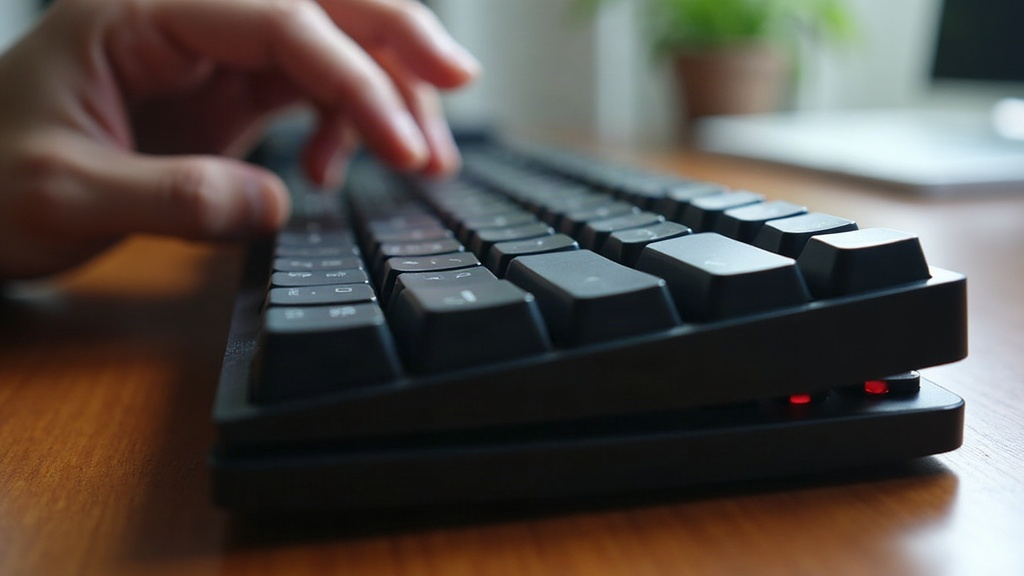
If your wrists feel twisted and your thumbs ache after a few hours of typing, the culprit usually isn’t the keyboard itself. It’s the tenting angle and thumb cluster position. Fixing tenting angle and thumb strain on a split mechanical keyboard really comes down to three things you can adjust: how much each half is rotated (tenting), how far apart they sit, and where your thumbs land relative to the keys. Nail those three, and most forearm and thumb discomfort fades within a week or two.
Why Tenting Angle Matters
Tenting rotates each half of the keyboard inward along its long axis, lifting the inner edge so your palms face each other instead of lying flat and pronated. A flat keyboard keeps your forearms twisted the entire session, which loads up the pronator muscles and often sends pain radiating into the wrist and thumb.
Here’s the catch though: more tenting isn’t automatically better. Jumping straight to 45° or steeper can backfire. It tends to:
- Overload the pinky-side of the hand
- Push the thumb cluster out of comfortable reach or at an awkward angle
- Create new shoulder tension as you compensate
Start low and build up. A reasonable progression looks like this:
- 0–10° — flat, for the first few days, just to confirm key feel and layout
- 15–20° — the sweet spot for most people new to split keyboards
- 30°+ — only once your body has adapted, and usually paired with a palm rest or tripod mount
Most ergonomic boards (Kinesis Advantage360, ZSA Moonlander, Keychron Q11, Corne builds) ship with, or support, adjustable tenting kits or printed stands. You’re not locking yourself into one angle forever.
Fixing Thumb Strain Specifically
Thumb clusters cause the most trouble because they ask your thumb to do a job it’s never really done before. On a normal keyboard, your thumb hits the spacebar and that’s it. Overuse or bad positioning on a split board quickly causes soreness at the base of the thumb, right near the CMC joint.
Common Causes of Thumb Strain
- Thumb cluster too far from resting position — every press turns into an overstretch
- Too many keys crammed onto the thumbs — layers, modifiers, space, all stacked on 2-3 keys
- Wrong angle of attack — pressing straight down instead of following the thumb’s natural arc
- No palm support — the hand floats, so the thumb ends up doing extra stabilizing work on top of its actual job
Practical Fixes
- Remap sparingly. Keep only the 2-3 most-used keys (space, backspace, maybe one layer key) on your thumbs. Push rare modifiers elsewhere.
- Adjust cluster height and angle independently. On boards that allow it (Moonlander, Advantage360), tilt the thumb cluster to match your thumb’s natural resting curve instead of leaving it parallel to the main keywell.
- Use column-staggered or concave keywells. Less lateral reaching means less thumb overcompensation down the line.
- Add a palm rest. Even a thin gel or foam pad gives your hand somewhere to relax between keystrokes instead of hovering the whole time.
Dialing In Split Distance and Negative Tilt
Tenting works best alongside two other adjustments:
- Split distance: widen the gap between halves to roughly shoulder-width. Too narrow and you lose the benefit of splitting at all; too wide and your shoulders start to complain.
- Negative tilt: angle the front edge of the keyboard downward, away from you, so wrists stay straight instead of bending upward. A lot of people tent and stop there, which leaves wrist extension completely unaddressed.
Here’s a quick test worth trying: sit in your normal typing position, let your arms hang relaxed at your sides, then raise your hands without rotating them at all. Wherever your palms naturally land, that’s close to your ideal tenting angle.
A Simple Adjustment Routine
- Set tenting to 15°, split to shoulder width, a slight negative tilt.
- Type normally for 2-3 days. Note any pain that’s new, or any that’s eased up.
- If forearm pronation strain is still there, bump tenting up in 5-10° increments.
- If thumb pain sticks around even after remapping the cluster, dial tenting back down a bit. Steep angles often throw off thumb reach more than people expect.
- Reassess weekly for the first month, then check in every few months as your hands keep adapting.
Conclusion
Fixing tenting angle and thumb strain isn’t about chasing one magic number. It’s a back-and-forth process: tenting, split distance, tilt, and thumb cluster layout all working together. Start conservative, change one variable at a time, and give your body a few days before judging the results. Be patient and most people land on a setup that feels effortless somewhere between two and four weeks in.